
Dressmaker guide · Build 410
Controls, sewing assist, and accessibility settings
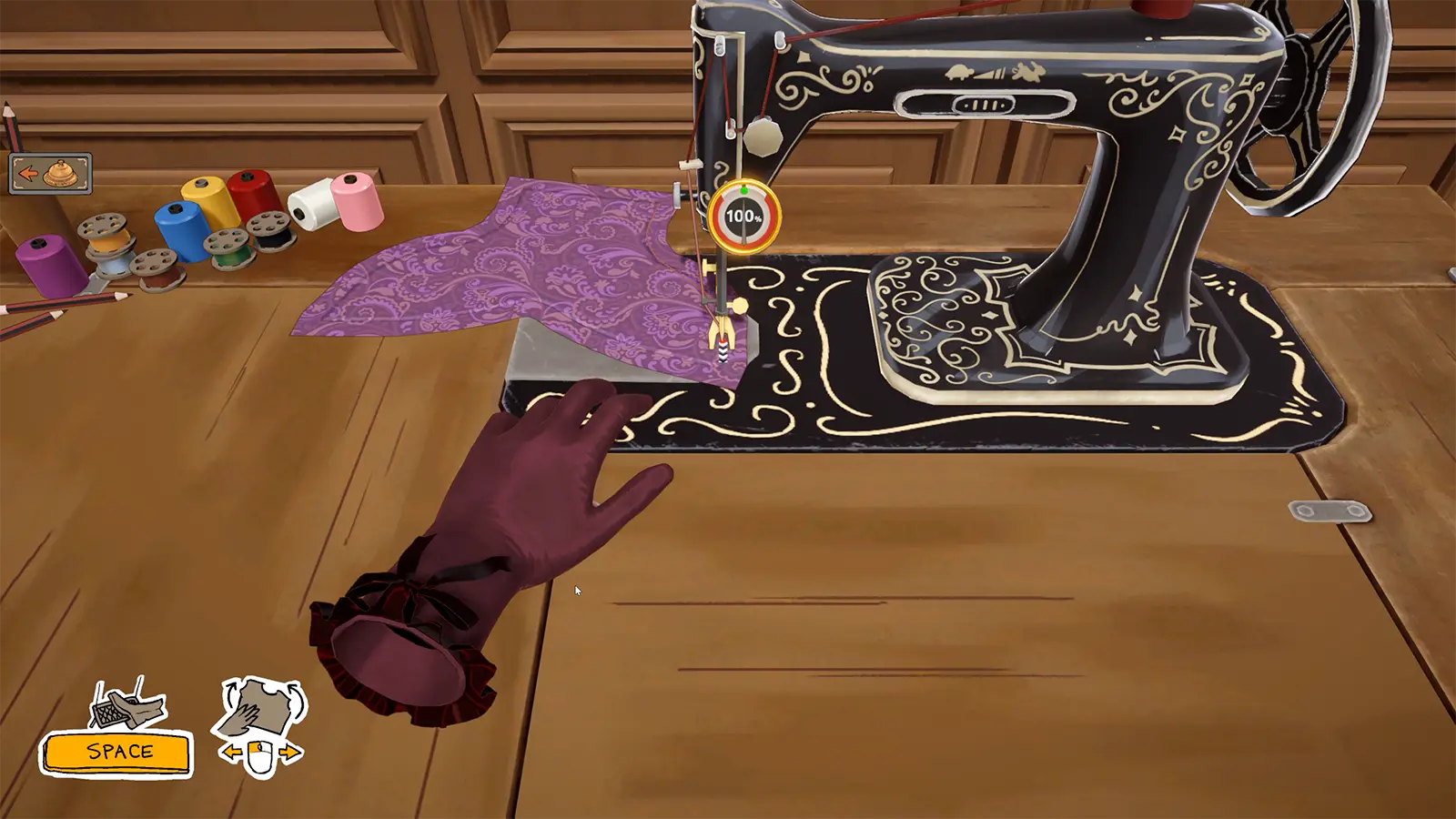
Press Space to sew, A and D to rotate at the machine, W and S to change speed, R to reset a seam, and Shift for repeated accessory placement. Enable Sewing Assist from the pause menu if needed.
01 / Prerequisites
Check these before you start
- OKReach the cutting, sewing, or accessory-placement workflow.
- OKOpen the in-game options to review accessibility settings.
02 / Steps
Follow the workflow in order
- 01
Learn the sewing keys
Press Space to sew. Use A and D to rotate the piece and W and S to change machine speed. If the needle slips and the seam loses points, press R to reset the seam.
- 02
Enable Sewing Assist when needed
Community guidance places Sewing Assist in the pause menu. It steers the fabric toward the seam but does not remove the need to control speed carefully around sharp corners.
- 03
Use repeated placement
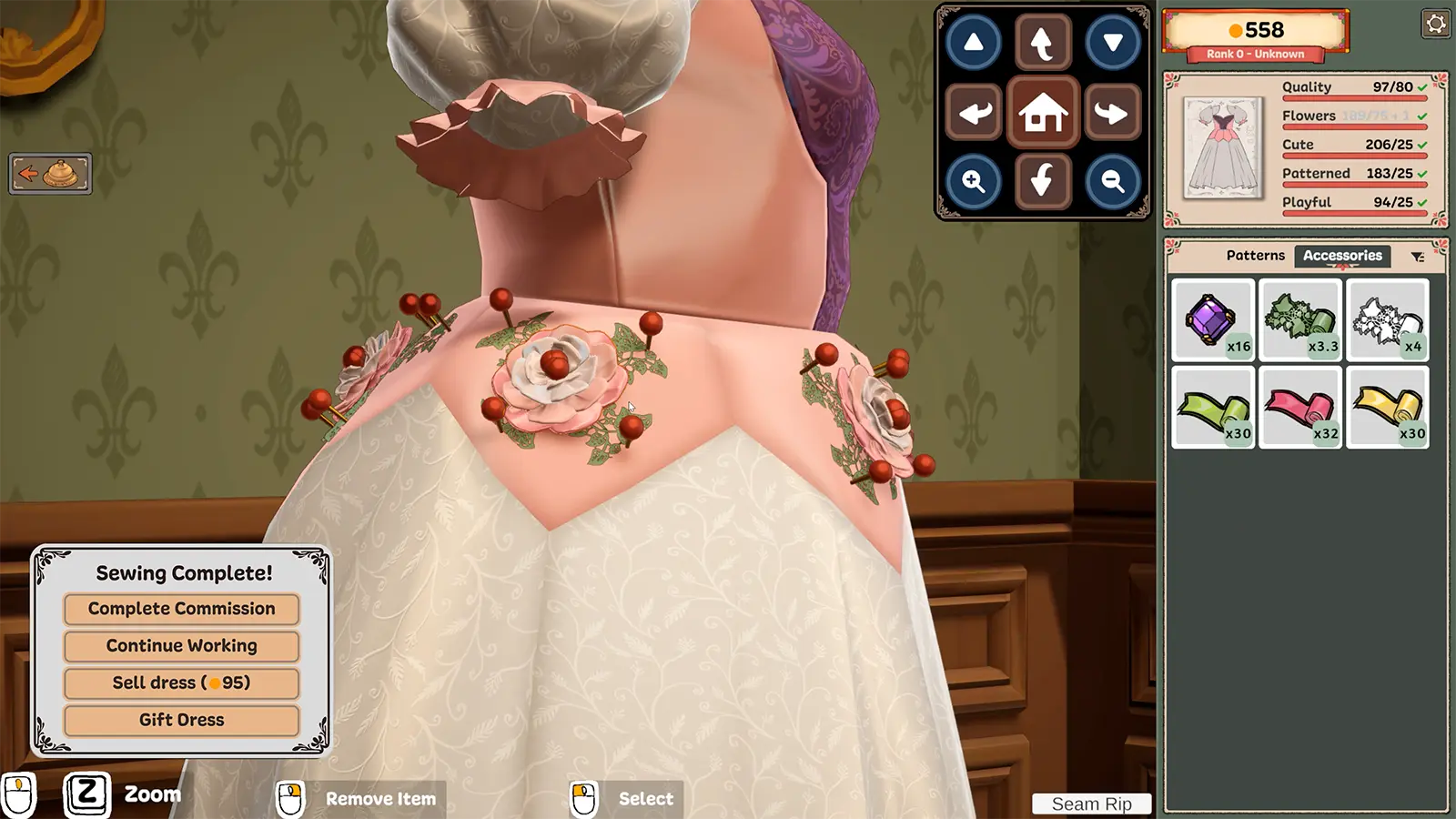
Hold Shift while placing accessories to continue with the same item instead of reopening the selection for every copy.
- 04
Rotate and zoom before judging placement
Check cuffs, seams, and skirt layers from multiple angles. If the camera stops rotating, community players report that leaving and re-entering the view can reset it.
03 / Common mistakes
Avoid wasted time and materials
Judging a trim from one camera angle.
Assuming mouse-only or untimed-input options reduce progress.
Using maximum sewing speed before learning the current seam shape.
Expecting Sewing Assist to fix a missing tag, fabric-color rule, or fit problem.
04 / Continue
Open the connected systems
Sewing Machine
The sewing machine converts cut panels into a garment. Keeping the needle near the marked seam builds the quality score used by commissions and achievements.
Open player answer ->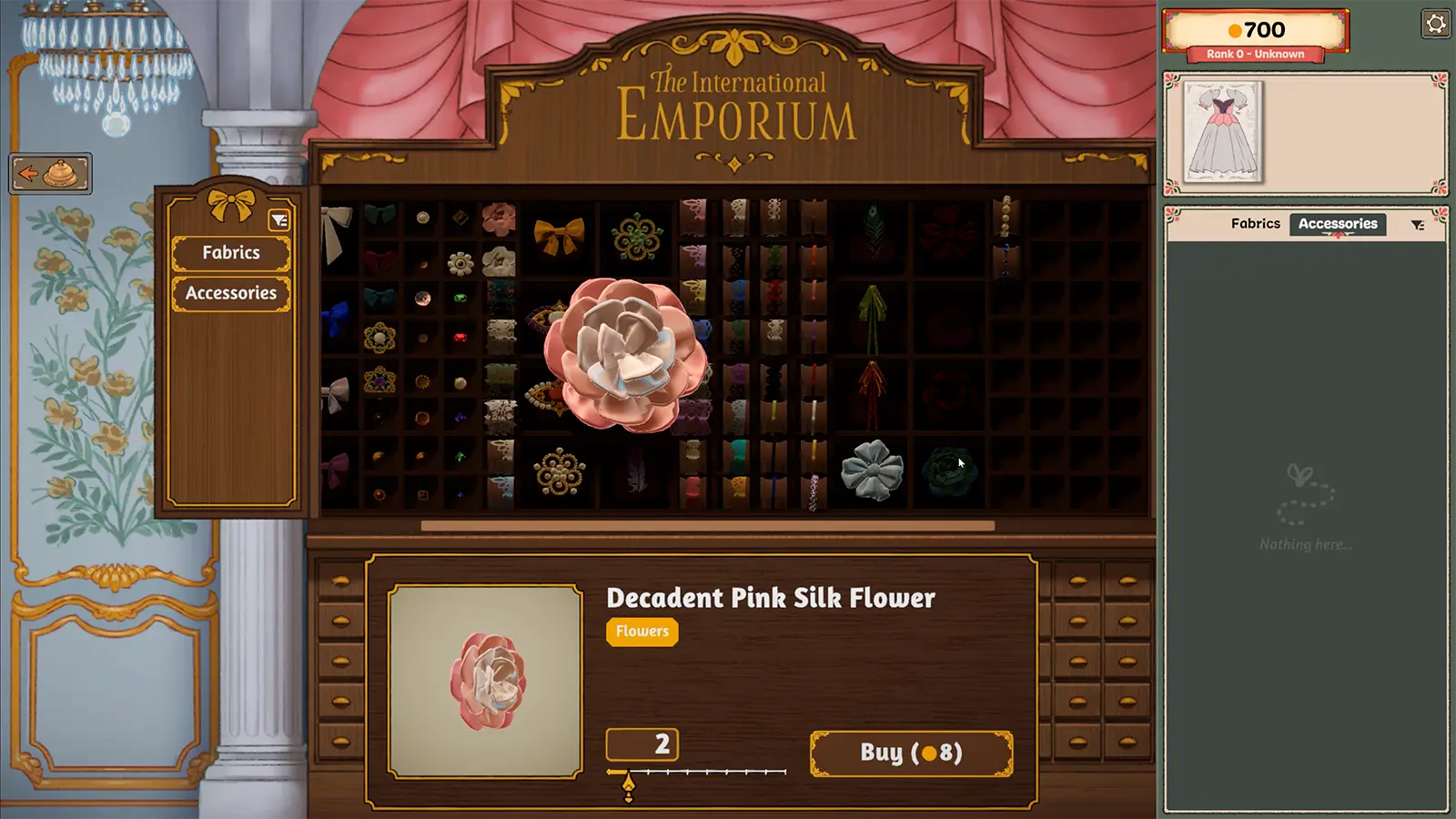
Accessory Placement
Accessories can add required tags, event-appropriate detail, or personal style. Placement, scale, and layer order determine whether they help the design or hide it.
Open player answer ->Quality Score
Quality is a scored requirement shown beside the style tags. Style tags prove the requested aesthetic; quality tracks how cleanly the garment was built.
Open player answer ->